You confirm an order, copy the tracking number into an email, answer a "where's my order" message, then do it again twenty times before lunch. None of it is hard. All of it eats your day. This is the part of dropshipping that doesn't show up in product research guides or ad strategy threads — the daily grind of actually fulfilling what you sold.
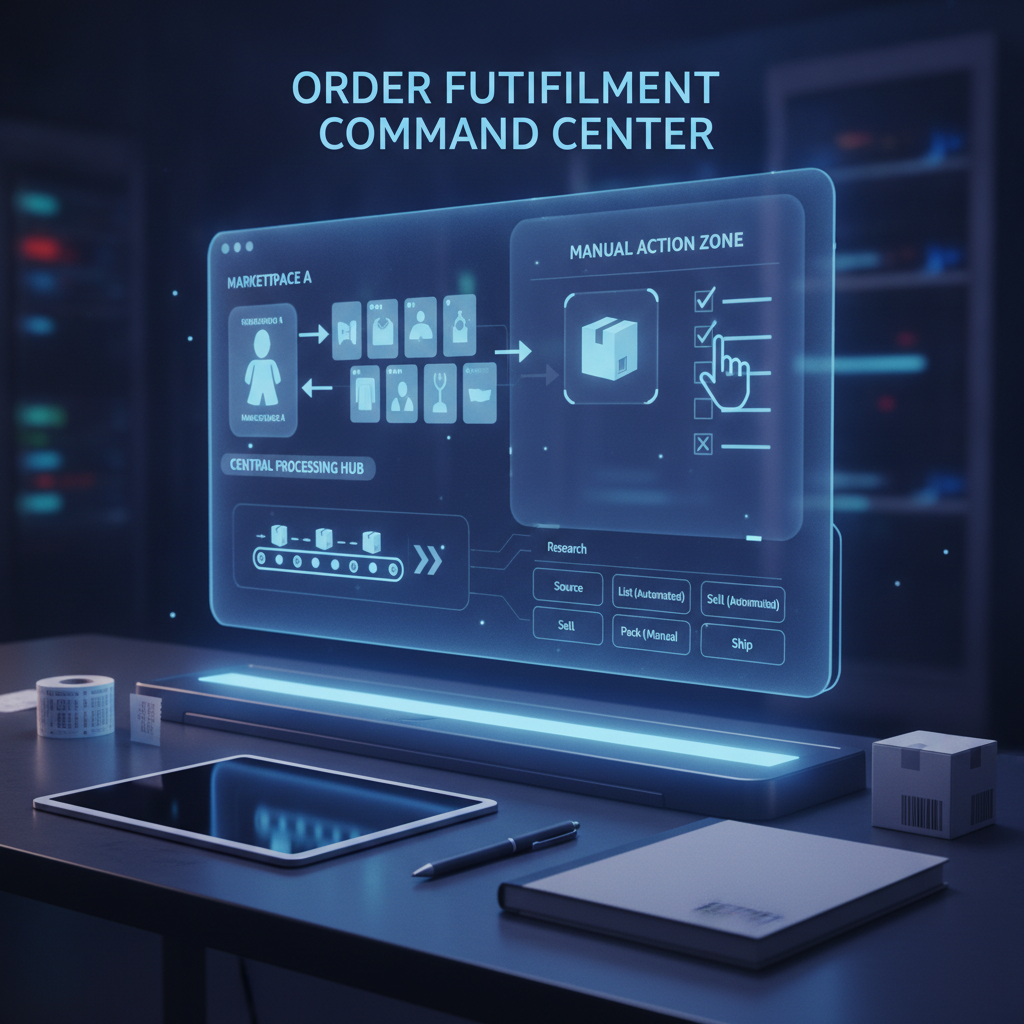
The instinct once you feel that grind is to automate everything at once. That's usually the wrong move. Fulfillment isn't one task, it's a chain of smaller ones, and each has a different risk profile. Some are perfect for automation. Others will quietly cost you customers if you hand them off too soon. The goal isn't to automate more — it's to automate the right pieces, in the right order, for the right reasons.
Fulfillment is five separate jobs wearing one name
When sellers say "fulfillment," they usually mean one blurry process. In practice it breaks into distinct steps, each with its own rhythm:
- Order capture — the sale comes in and needs to be logged and matched to the right product and supplier.
- Supplier notification — the order details get passed along so the supplier can ship it.
- Tracking sync — once the supplier ships, tracking numbers need to reach your system and your customer.
- Customer updates — status emails, shipping confirmations, delay notices.
- Exception handling — what happens when something goes wrong: delays, stockouts, wrong items, damaged goods.
Treat these as five separate decisions, not one. That's the core shift AutoDropMachine pushes sellers toward — instead of asking "should I automate fulfillment," ask "which of these five steps is safe to hand off, and which one still needs me."
The steps that are genuinely safe to automate
Order capture and tracking sync are the strongest automation candidates in the entire workflow, and for a simple reason: they're repetitive, rule-based, and low-risk. There's no judgment call in copying a tracking number from a supplier confirmation into your store system, or in logging an order the moment it comes through checkout. The rules never change from order to order. Get one order right and you've effectively solved it for every order after it.
Basic customer updates fall into a similar category, but with more nuance. A shipping confirmation email or a "your order has shipped" notice is fine to automate because it's factual and expected — customers want that message and don't read much into its tone. This is where sellers usually get their first real time win, because tracking entry and status emails are also the tasks that consume the most repeated minutes across a week, even though each one feels small in the moment.
The step most sellers should not fully hand off
Exception handling is the opposite case, and it's the one place where over-automating creates real damage. A delay, a stockout, a wrong item shipped — these aren't rule-based problems. They require a judgment call about tone, timing, and what to actually offer the customer. An automated response to an angry "where is my order" message can read as dismissive even when the wording is polite, because the customer can tell it wasn't written for their specific situation.
This is also where disputes start. A generic auto-reply to a delay complaint might technically answer the question, but it skips the part that actually prevents escalation — acknowledging the specific problem and giving the customer a reason to stay patient. That's a human skill, not a template. Full automation of customer-facing communication at the exception stage is the single most common overcorrection sellers make once they start automating, and it's usually the one that costs them the most in refunds and negative reviews.
A simple test for any new fulfillment task
Before automating any step — old or new — run it through one question: is it repetitive, rule-based, and low-risk if something goes slightly wrong? If yes, it's a strong automation candidate. If the task requires reading a situation and deciding how to respond, keep it manual, at least for now.
Order capture passes this test easily. Tracking sync passes it too. Standard shipping confirmations mostly pass it. Exception handling fails it almost every time, because "wrong item shipped" and "package stuck at customs for two weeks" require different responses, and no rule set covers every version of that conversation. The test isn't about how boring or annoying a task feels — it's about how much judgment the task actually demands.
From ad hoc fixes to a documented workflow
Most sellers don't sit down and design their fulfillment process. It grows piece by piece — a spreadsheet here, a saved email template there, a rule added after one bad experience with a supplier. That's how you end up with a workflow that mostly works but nobody could explain if asked, which becomes a real problem the moment you try to hand off a task or scale past the volume one person can track from memory.
The fix isn't more automation, it's documentation. Write down the five steps, mark which ones are automated and which are manual, and note why each decision was made. That single document becomes the thing you update as your store grows, instead of reacting fresh every time something breaks. This is the actual value behind AutoDropMachine's approach to dropshipping automation — not "automate everything" but building a structured, repeatable process around the decisions that matter, so you can see the whole workflow at once instead of firefighting one order at a time.
If you haven't mapped your own fulfillment steps this way, that's the place to start. Look at what you did manually this past week, sort it into the five categories, and apply the repetitive-rule-based-low-risk test to each one. You'll likely find two or three steps you've been doing by hand that don't need you at all — and at least one you've already automated that probably shouldn't have been.
Where to go from here
None of this requires an overhaul overnight. Pick the one step costing you the most repeated minutes this week — tracking entry is a common starting point — and automate just that. Watch how it holds up for a few days before touching the next step. That's a far more durable path than switching everything at once and discovering the hard way which parts needed your judgment.
If you want a structured way to think through this instead of guessing step by step, that's exactly the gap AutoDropMachine is built to close — helping sellers map a fulfillment workflow that separates what should run on its own from what still needs a person paying attention. Start now and work faster: visit AutoDropMachine to see how the approach works, or browse the AutoDropMachine blog for more workflow breakdowns like this one.
FAQ
What can you automate in dropshipping fulfillment?
The steps that are repetitive and rule-based are the safest to automate — order capture, tracking number syncing, and standard shipping confirmation emails. These rarely require judgment, so the risk of a bad customer experience is low.
Why shouldn't exception handling be fully automated?
Delays, stockouts, and wrong-item issues each need a different response depending on the specific situation. A generic automated reply can come across as dismissive and is more likely to escalate into a dispute than a response that acknowledges the actual problem.
How do I know if a fulfillment task is ready to automate?
Ask whether it's repetitive, rule-based, and low-risk if something goes slightly wrong. If yes, it's a strong candidate. If it requires reading a situation and deciding how to respond, it's better kept manual for now.